-
Merit Badges
- Legend to identify Merit Badges
- 1910 British Merit Badges
- Square 1911 - 33
- Wide Crimped 1934 & 35
-
Narrow Tan Crimped 1936 - 42
- Tan Heavyweight Cloth with Silk Embroidery and Printed Back 1936 - 37
- Tan Heavyweight Cloth with Silk Embroidery and Plain Back 1937 - 38
- Tan Lightweight Cloth with Silk Embroidery and Plain Back 1938 - 39
- Tan Lightweight Cloth with Cotton Continuous Loop Embroidery and Plain Back 1939 - 42
- Tan Lightweight Cloth with Cotton Lockstitch Embroidery and Plain Back 1939 - 42
- Blue Background 1942 - 46
- Wartime 1942 - 46
- Khaki Narrow Crimped 1946 - 59
- Green Twill Gauze Back 1960 - 68
- Fully Embroidered Merrowed Edge 1960 - 72
- Unprinted Plastic Back 1972 - 01
- Printed Plastic Back 2002 - Current
-
Merit Badge Paper
- Merit Badge Applications
- Merit Badge Cards
-
Merit Badge Pamphlets
- Type 1 White Cover - Rectangle Drawing On Cover
- Type 2 White Cover 5-375" x 8" Title at Top
- Type 3A Tan Cover - 200 Fifth Avenue
- Type 3B Tan Cover - 2 line address New York City
- Type 3C Tan Cover - 2 line address New York N.Y.
- Type 3D Tan Cover - 1 line address New York N.Y.
- Type 4 Standing Scout Cover
- Type 5A War Cover
- Type 5B Red and White
- Type 6 Photo-Red Cover
- Type 7 Full Photo Cover or Bulls-eye Cover
- Type 8 Full Photo - Green Stripe Cover
- Type 9 Full Photo - Red Stripe Cover
- Type 10A Blue Stripe - Logo above bottom blue stripe - FDL centered
- Type 10B - Blue Stripe in bottom of photo area. FDL to left of text
- Special Covers
- Boy Craft Helps
- Merit Badge Counselor's Guides
-
Youth Position
- Junior Assistant Scoutmaster
- Senior Patrol Leader
- Assistant Senior Patrol Leader
- Patrol Leader
- Assistant Patrol Leader
- Troop Guide
- Scribe
- Quartermaster
- Instructor
- Chaplain Aide
- Den Chief
- Librarian
- Musician
- Webmaster
- Bugler
- Troop Historian
- Troop Representative
- Unit Representative
- Leadership Corps
- Honor Guard
- Leave No Trace Trainer
- Outdoor Ethics Guide
-
Patrol Medallions
- Patrol Medallions Introduction
- Legend to identify Patrol Medallions
- Patrol Shoulder Knot-Ribbons
- Felt Handmade Patrol Medallions
- Square Felt Patrol Medallions
- Round Broadcloth Patrol Medallions
- Red Twill Patrol Medallions
- Multi-Color Cloth Patrol Medallions
- Tan Cloth Patrol Medallions
- Patrol Medallion Back Patches
- Woodbadge Patrol Medallion
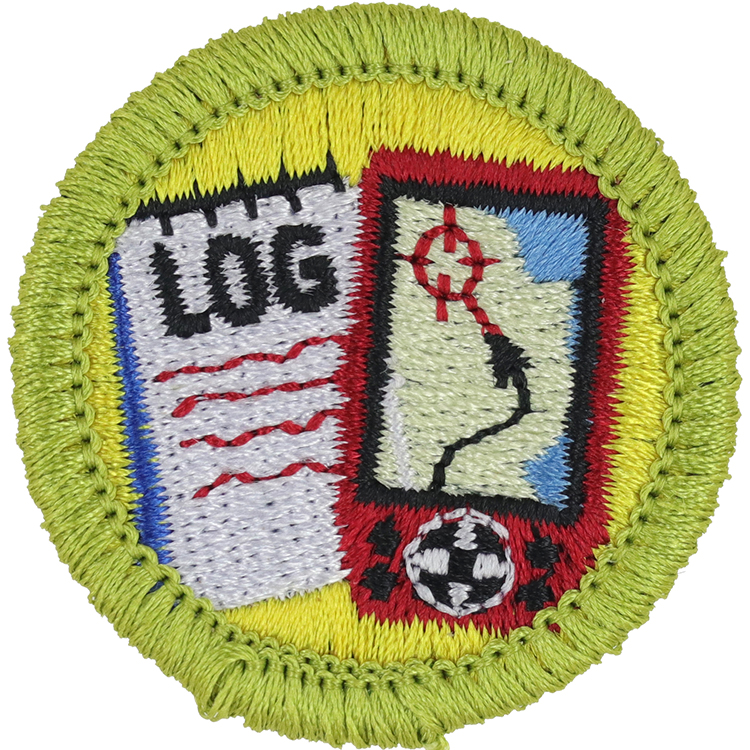
Fig. 1: Geocac-L1-Front
- Embroidery: Rayon thread
- Border: Merrowed
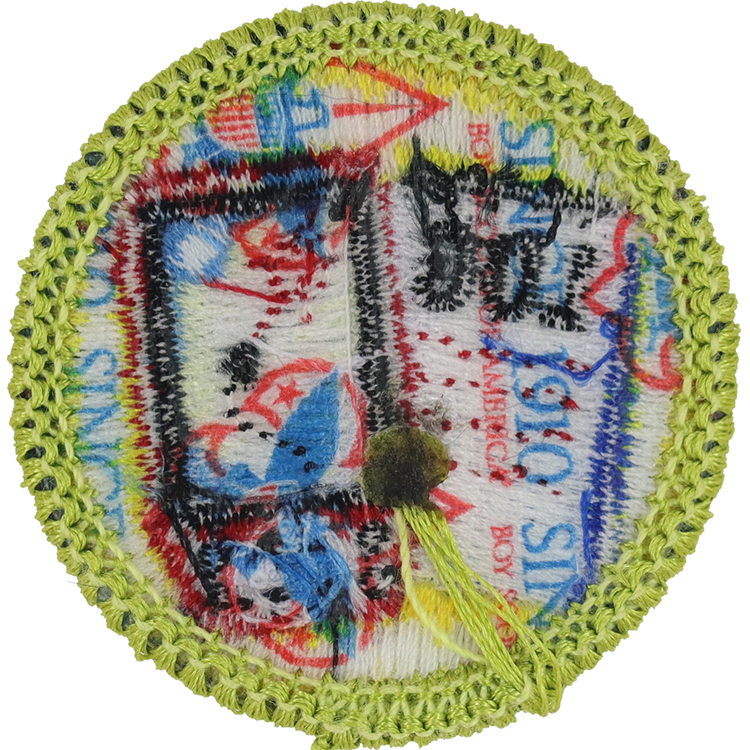
Fig. 2: Geocac-L1-Reverse
- Back: Since 1910 imprint with large Tenderfoot image
Item Name: Geocaching 2014 - Current
Item ID: Geocac-L1
Collector Rating: 1
Pamphlets Used to Earn this Badge

Requirements January 2011 until Current
1.Do the following:
- Explain to your counselor the most likely hazards you may encounter while participating in geocaching activities, and what you should do to anticipate, help prevent, mitigate, and respond to these hazards.
- Discuss first aid and prevention for the types of injuries or illnesses that could occur while participating in geocaching activities, including cuts, scrapes, snakebite, insect stings, tick bites, exposure to poisonous plants, heat and cold reactions (sunburn, heatstroke, heat exhaustion, hyperthermia), and dehydration.
- Discuss how to properly plan an activity that uses GPS, including using the buddy system, sharing your plan with others, and considering the weather, route, and proper attire.
2. Discuss the following with your counselor:
- Why you should never bury a cache
- How to use proper geocaching adequate when hiding or seeking a cache, and how to properly hide, post, maintain, and dismantle a geocache
- The principles of Leave No Trace as they apply to geocaching
3. Explain the following terms used in geocaching: waypoint, log, cash, accuracy, difficulty and terrain reading, attributes, trackable. Choose five additional terms to explain to your counselor.
4. Explain how the Global Positioning System (GPS) works. Then, using Scouting’s Teaching EDGE, demonstrate to your counselor the use of a GPS unit. Include marking and editing a waypoint, changing field functions, and changing the coordinate system in the unit.
5. Do the following:
- Show you know how to use a map and compass and explain why this is important for geocaching.
- Explain the similarities and differences between GPS navigation and standard map reading skills and describe the benefits of each.
- Explain the UTM (Universal Transverse Mercator) system and how it differs from the latitude/longitude system used for public geocaches. Show how to plot a UTM waypoint on a map. Compare the accuracy to that found with a GPS unit.
6. Describe to your counselor the four steps to finding your first cache. Denmark and edit it waypoint.
7. With your parent’s permission*, go to geocaching.com. Type in your zip code to locate public geocaches in your area. Share with your counselor the posted information about three of those geocaches. Then, pick one of the three and find the cache.
8. Do one of the following:
- If a Cache to Eagle® series exist in your counsel, visit at least three of the location in the series. Describe the projects that each cache you visit highlights, and explain how the Cache to Eagle® program helps share our Scouting service with the public.
- Create a Scouting-related Travel Bug® that promotes one of the values of Scouting. “Release” your travel bug into a public geocache and, with your parent’s permission, monitor its progress at geocaching.com for 30 days. Keep a log, and share this with your counselor at the end of the 30-day period.
- Set up a hide in public geocache, following the guidelines in the geocaching badge pamphlet. Before doing so, share with your counselor a six-month maintenance plan for the geocache where you are personally responsible for the first three months. After setting up the geocache, with your parent’s permission, follow the logs online for 30 days and share them with your counselor.
- Explain what Cache in Trash Out (CITO) means, and describe how you have practiced CITO at public geocaches or at a CITO event. Then, either create CITO containers to leave at public caches, or host a CITO event for your unit or for the public.
9. Plan a Geo hunt for a youth group such as your troop or a neighboring pack, at school, or your place of worship. Choose a theme, set up a course with at least four waypoints, teach the players how to use a GPS unit, and play the game. Tell your counselor about your experience, and share the materials you used and developed for this event.
*To fulfill this requirement, you will need to set up a free user